
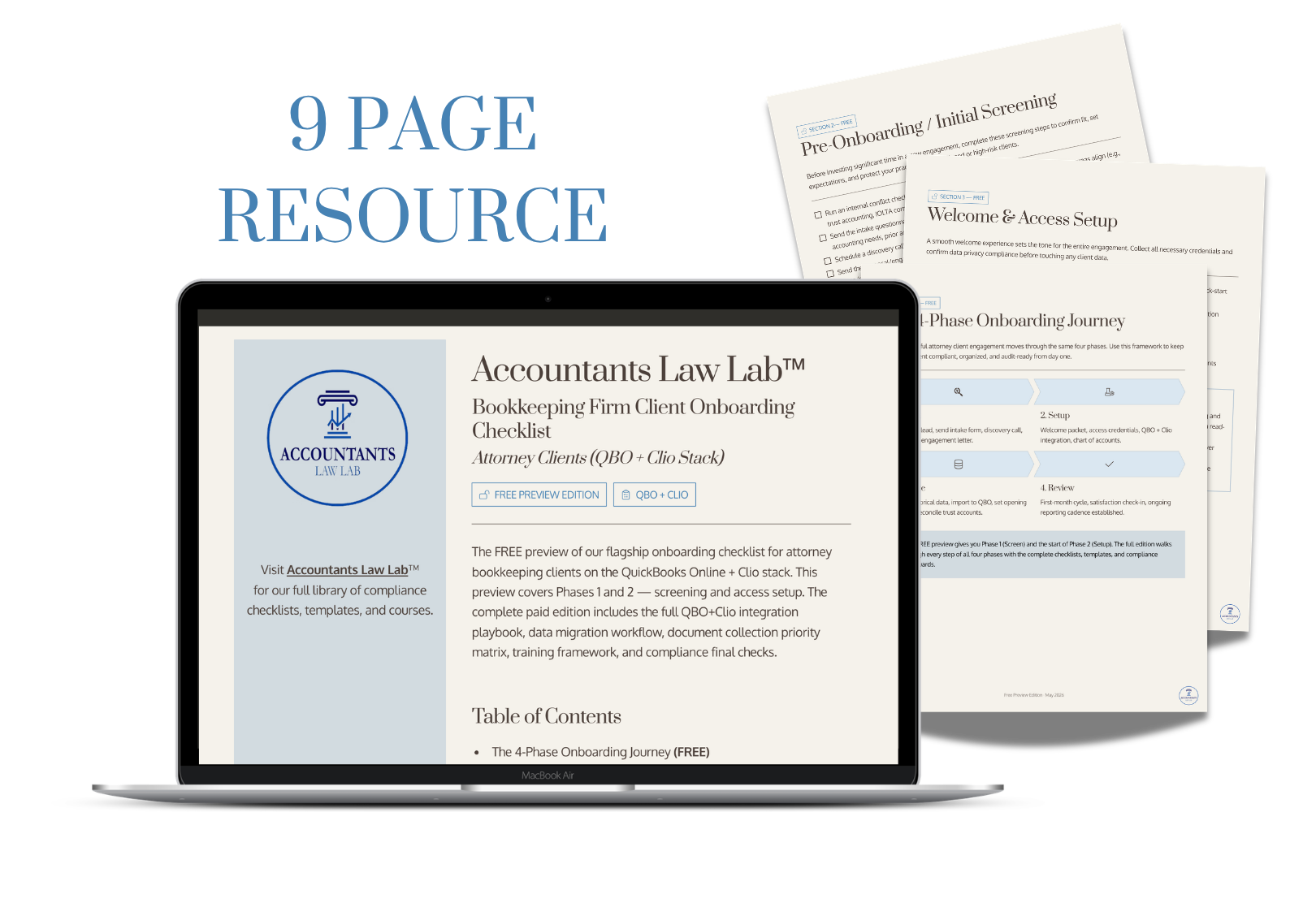
This end-to-end checklist walks you through every step — from initial screening and access setup to QBO + Clio integration, data migration, and compliance sign-off — so every new engagement is organized, compliant, and audit-ready from day one.
Table of Contents
- Pre-Onboarding / Initial Screening
- Welcome & Access Setup
- QBO + Clio Integration & Setup
- Chart of Accounts Best Practice
- What to Collect
- Document & Information Collection
- Compliance & Risk Final Checks
- Onboarding Complete: Next Steps
Taking on attorney clients is exciting. Onboarding them without a system? That's where things go sideways.
THE PROBLEM:
Attorney clients aren't like other bookkeeping clients. They have IOLTA trust accounts, bar compliance obligations, and a software stack — Clio and QuickBooks Online — that has to be connected correctly from the start. Onboarding without a system means
- missed steps
- scope creep
- compliance gaps
OUR SOLUTION:
This checklist gives you a complete, repeatable onboarding system built specifically for the QBO + Clio stack. From your first screening call to your first reconciliation cycle, every step is mapped out so nothing falls through the cracks — and your client is set up to stay compliant from day one.
WHAT'S INSIDE:
- Pre-onboarding screening steps to qualify attorney clients before you invest your time
- A welcome and access setup process that covers QBO, Clio, and bank feeds — all set up securely
- Step-by-step QBO + Clio integration setup with trust liability mapping guidance
- Chart of accounts best practices built for law firms
- A complete document collection checklist so you never chase the same thing twice
- Data migration and historical setup guidance, including what to watch for when inheriting a messy prior setup
- Training and expectations-setting scripts so your client knows exactly how the relationship works
- Compliance and risk final checks before you go live
- A post-onboarding follow-up framework to lock in your monthly rhythm
Every attorney client you onboard is an opportunity to build a long-term, high-value engagement
Unlock This Checklist NowAlready planning to buy two or three resources?
Your Mastermind membership can quickly pay for itself.
If you think you'll want more than one template, checklist, or guide this year, there's a better option...

Join the Accountants Law Lab™ Mastermind Group
For $97/month, you'll receive:
- This resource included, plus every other member resource.
- Member-Only discounts and resources.
- Weekly live calls with Sarah & Lynda.
- A private community of accountants serving law firms.
- An expanding library of templates, checklists, guides, and practical tools.
- Our 24/7 AI Mastermind Assistant to help you find answers faster.
- Peer support and networking.
Instead of purchasing resources one at a time, unlock the entire library and the expertise behind it.
Become a Member Instead